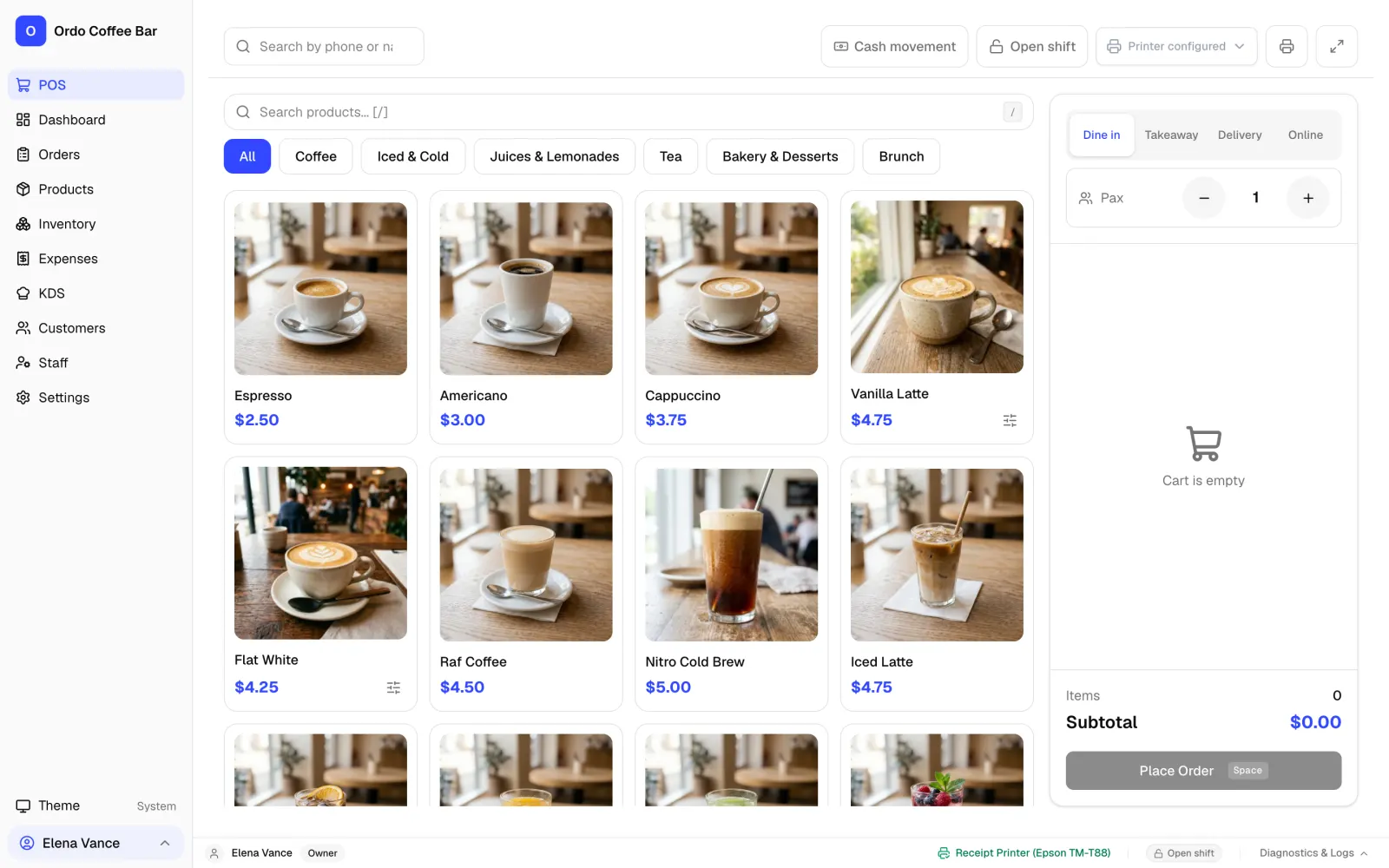
Why a café needs a POS that works offline
The morning rush does not wait for your provider to fix the line. With a cloud-only till, an outage turns into a queue: orders on scraps of paper, change worked out in someone's head, and an evening spent trying to reconcile the day.
In Ordo, selling does not depend on the internet. Everything a shift needs, from taking the order and payment to the receipt, the kitchen screen and closing the day, runs on the computer in your café. The internet is only needed for extras such as Telegram notifications and Google Drive backups.
How the offline setup works
One computer in the café is both the till and the place your data lives. You install the Ordo app for Windows or Linux on it, plug the receipt printer in over USB and connect the cash drawer to the printer.
Tablets and phones join that computer over the café Wi-Fi and open Ordo in an ordinary browser. The router does not need an internet connection for this; the devices only need to be on the same local network.
- Orders, payments, shifts and reports are saved on your computer, not on someone else's server.
- Counter tablets and the kitchen display run over your own Wi-Fi.
- Receipts and kitchen tickets print on a 58 mm or 80 mm USB printer.
- Ordo makes an automatic backup of its database on the same computer every day.
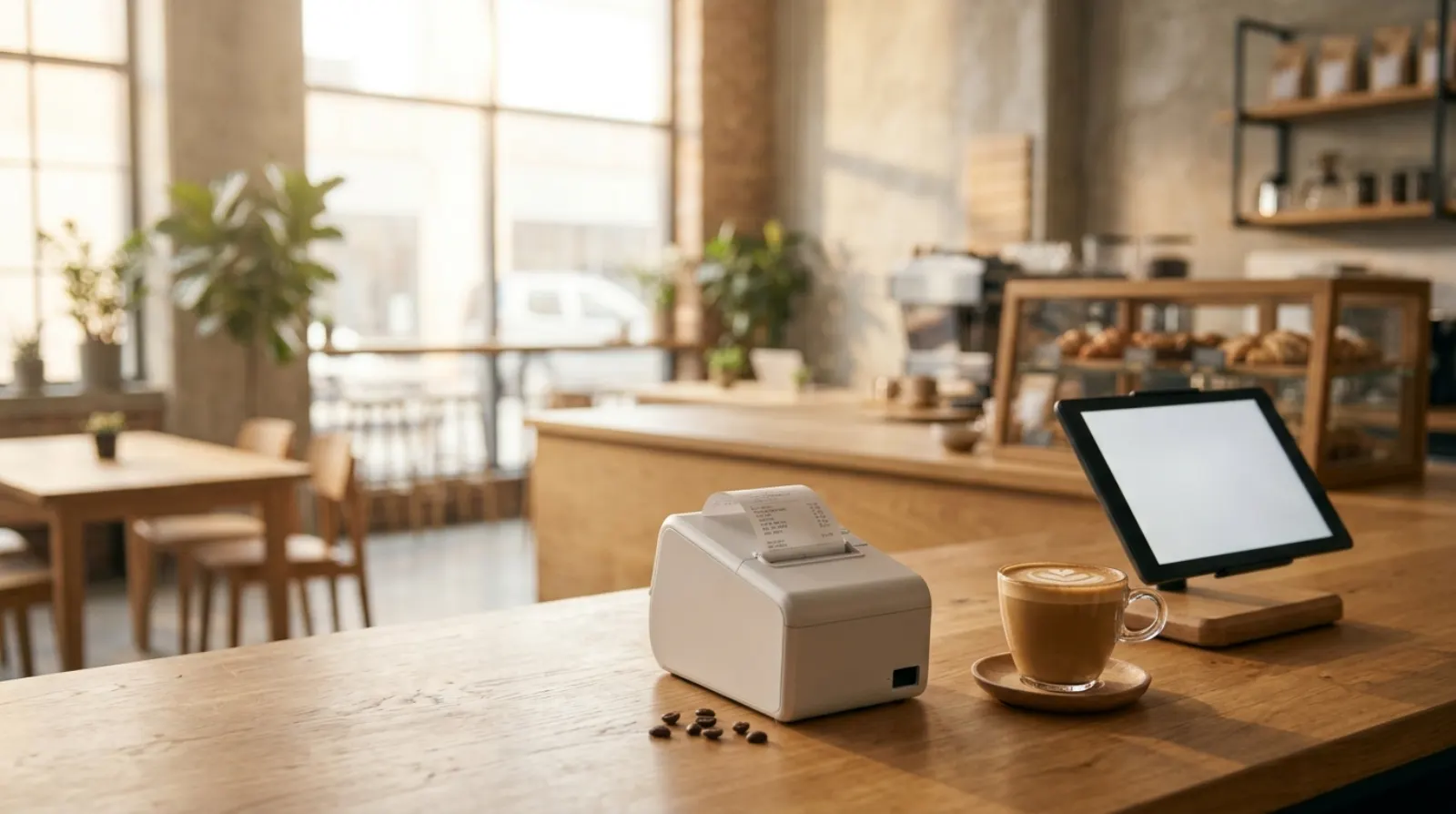
What works offline and what waits for the internet
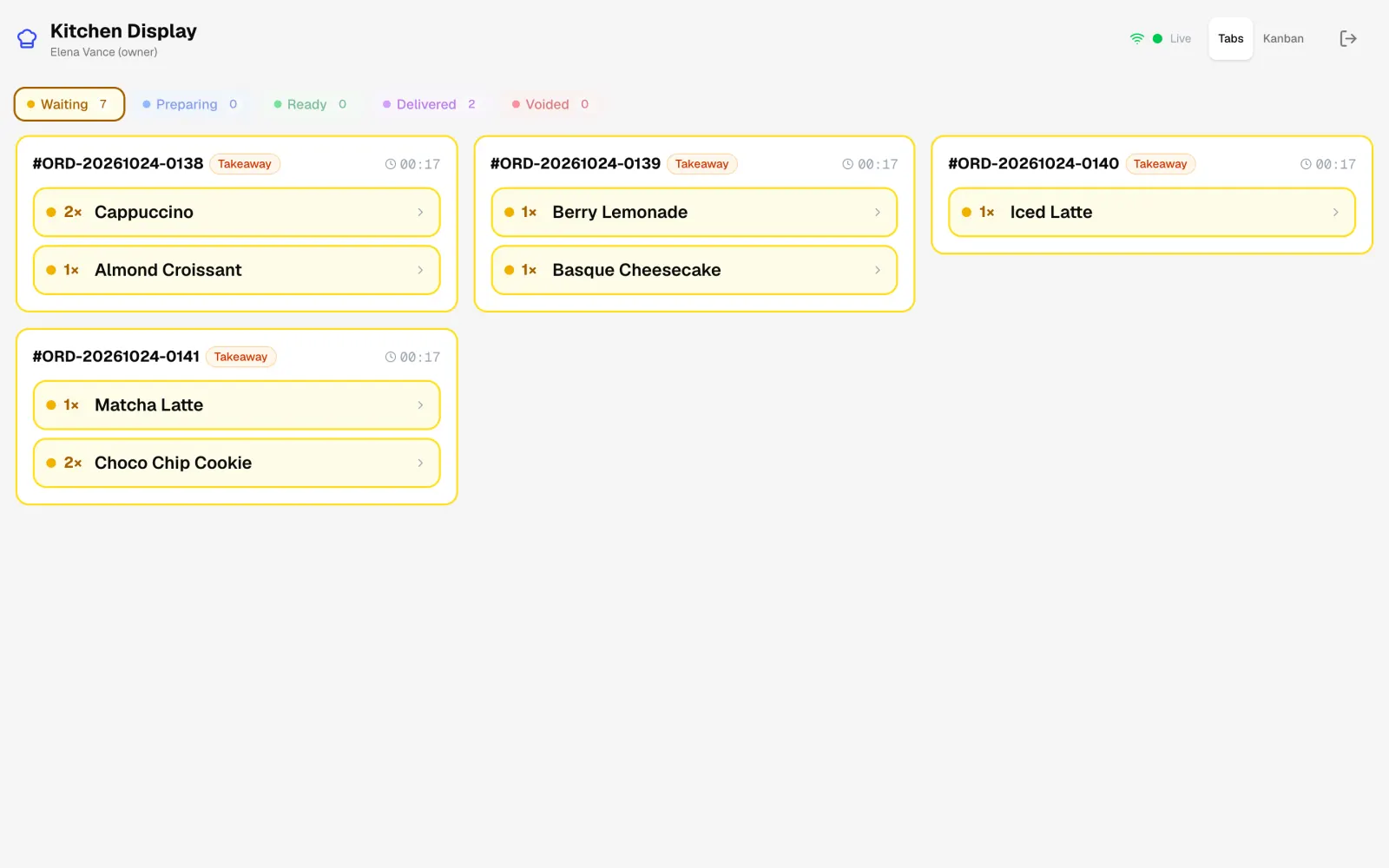
Everything to do with selling works offline: taking orders, cash and card payments marked in the till, printing receipts, the kitchen display, recipe-based stock deductions, closing the shift and the daily report.
Your card terminal is its own device. Whether it needs a bank connection depends on the terminal and your bank, not on Ordo. In the till you simply mark that the guest paid by card.
What works without internet
| Feature | Offline | Depends on |
|---|---|---|
| Taking orders and cash payments | Works | The Ordo computer being on |
| Marking a card payment | Works in Ordo | The terminal itself may need its bank link |
| Printing receipts and kitchen tickets | Works | A USB printer on the computer |
| Kitchen display, tablets, server phones | Work | The Wi-Fi inside the café |
| Stock, recipes, shift close, reports | Work | The Ordo computer being on |
| Telegram notifications | Wait | Saved on the computer and sent once you are back online |
| Google Drive backup | Waits | Internet |
| App updates | Wait | Internet |
| First activation | Does not work | Internet, once |
| Online version in the browser | Does not work | Internet, always |
Your subscription and offline work
Ordo costs 1990 KGS per month for one café (about 23 USD), with every feature and any number of devices. The first 2 weeks are free and no card is needed.
The till is activated once with a code when you first set it up, and that step needs internet. After that the subscription is checked whenever the computer is online. If you are offline for a few days, the till keeps working until the end of the paid or trial period it received at its last check.
Your fiscal register has its own offline rules
Ordo prints regular customer receipts, not fiscal ones. If the law where you trade requires fiscal receipts, keep issuing them on your fiscal cash register. Ordo runs alongside it and handles orders, the kitchen, inventory and reports, but it does not replace the fiscal device.
An offline till and an offline fiscal register are separate questions. In Kyrgyzstan, according to the Tax Service, registers that cannot send fiscal data in real time may not be used from 1 July 2021. How long your register can work without a connection, and how it sends the stored receipts later, depends on the tax rules and on that device, not on Ordo.
Ask your register supplier what to do when the connection drops, and check the rules for your business with the tax office or your accountant. Ordo keeps taking orders and tracking stock in the meantime.
Preparing your café for outages
An offline till removes the biggest risk, and a few habits make outages calmer still:
- Keep the Ordo computer on for the whole shift: tablets and the kitchen display run through it.
- Put the computer and the router on an uninterruptible power supply (UPS), so a brief power dip does not end the shift and the café Wi-Fi stays up.
- If you want Ordo never to go online, turn on offline mode in the settings. It switches off cloud sync, Google Drive backups, WhatsApp, update checks and usage analytics, while orders, payments, printing and local network devices keep working.
- Copy a backup to a USB stick now and then, or turn on Google Drive backup.
- Ask your bank how your terminal behaves offline, and be ready to take cash.
- Check in advance how your fiscal register works without internet.
Moving over from another till
More than 12,000 real orders have been moved into Ordo from a working café. We help you bring over your menu, recipes and sales history from your current system: send us an export and we will sort it out together. Questions go to WhatsApp, Telegram or email.
FAQ
Does Ordo really work without internet?
Yes, the Windows and Linux app does. Data is stored on the café's computer, so sales, receipts and the kitchen display work with no connection. The online version in the browser needs internet.
Will the tablets work offline too?
Yes, as long as they are on the café Wi-Fi with the Ordo computer. A tablet needs the local network, not the internet.
What happens to my data if the computer breaks?
Ordo makes a daily backup of its database on that computer automatically. You can also turn on Google Drive backup, which uploads when there is internet. It is worth keeping a copy on a separate drive as well.
Does Ordo replace a fiscal cash register?
No. Ordo prints regular customer receipts. If you are legally required to issue fiscal receipts, keep doing that on your fiscal register and use Ordo for orders, the kitchen, inventory and reports.
What hardware do I need?
A Windows or Linux computer, a 58 mm or 80 mm ESC/POS thermal receipt printer over USB, and optionally a cash drawer and tablets. You can keep your own card terminal.
Do I need to do anything when the internet comes back?
No. Every order is already saved on the café computer, and stored Telegram notifications go out by themselves once the connection is back.
What if the power goes out as well as the internet?
No till works without electricity. Everything rung up before the cut is already saved on the computer, though. When the power is back, switch the computer on and open Ordo: your orders, the open shift and your stock levels will all be there.
Sources
- Economist.kg, citing the Kyrgyz Tax Service: registers without real-time fiscal data transfer may not be used from 1 July 2021 (in Russian) — checked 2026-10-29